Websites for trainers and facilitators
Creating websites to organise courses, programmes and learning paths
As a project grows, it may come to include courses, workshops, long programmes, resources, sessions and community. The website should show how these offers relate to one another and help each person find the right way in.
The introductory call comes with no obligation.
Starting point
Giving structure to an offer that has grown
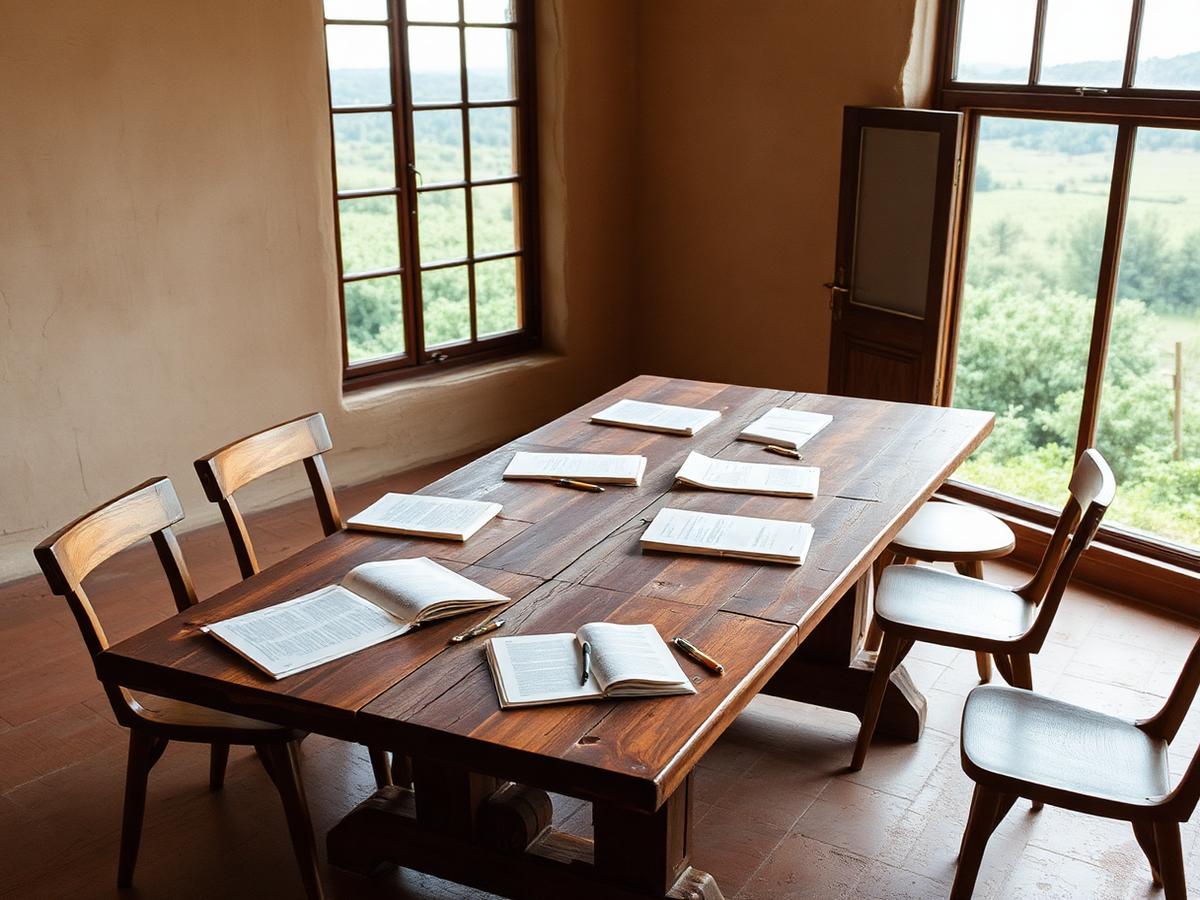
The problem isn't always a lack of content. Often there is too much of it, spread across pages, emails, social media and different platforms. The work begins by understanding what exists and which path makes sense for your audience.
From there, it becomes possible to decide what is visible on the home page, what deserves its own page and what can be kept for people who have already signed up.
Structure
What the website can bring together
- introduction to the trainer or facilitator
- courses and programmes
- workshops and masterclasses
- calendar
- events
- free resources
- articles
- newsletter
- registrations and payments
- access to the platform
- community area
- one-to-one support, where it exists
The structure is defined around what already exists and what you want to develop.
Two spaces
A website and a platform are different spaces
The website presents the work publicly and guides people towards registration. The platform brings together classes, recordings, materials and community. When both are needed, they can be organised as an integrated solution.
You can also start with just one of them and add the other later, without redoing the work already done.
Journey
A clear path for newcomers
People should be able to see what they can do now, which offers are the main ones, what requires previous experience and how to continue the journey. This clarity matters especially when there are several courses and levels of participation.
A free resource or an introductory session can be the first way in for people who are still getting to know your work.
Demonstration project
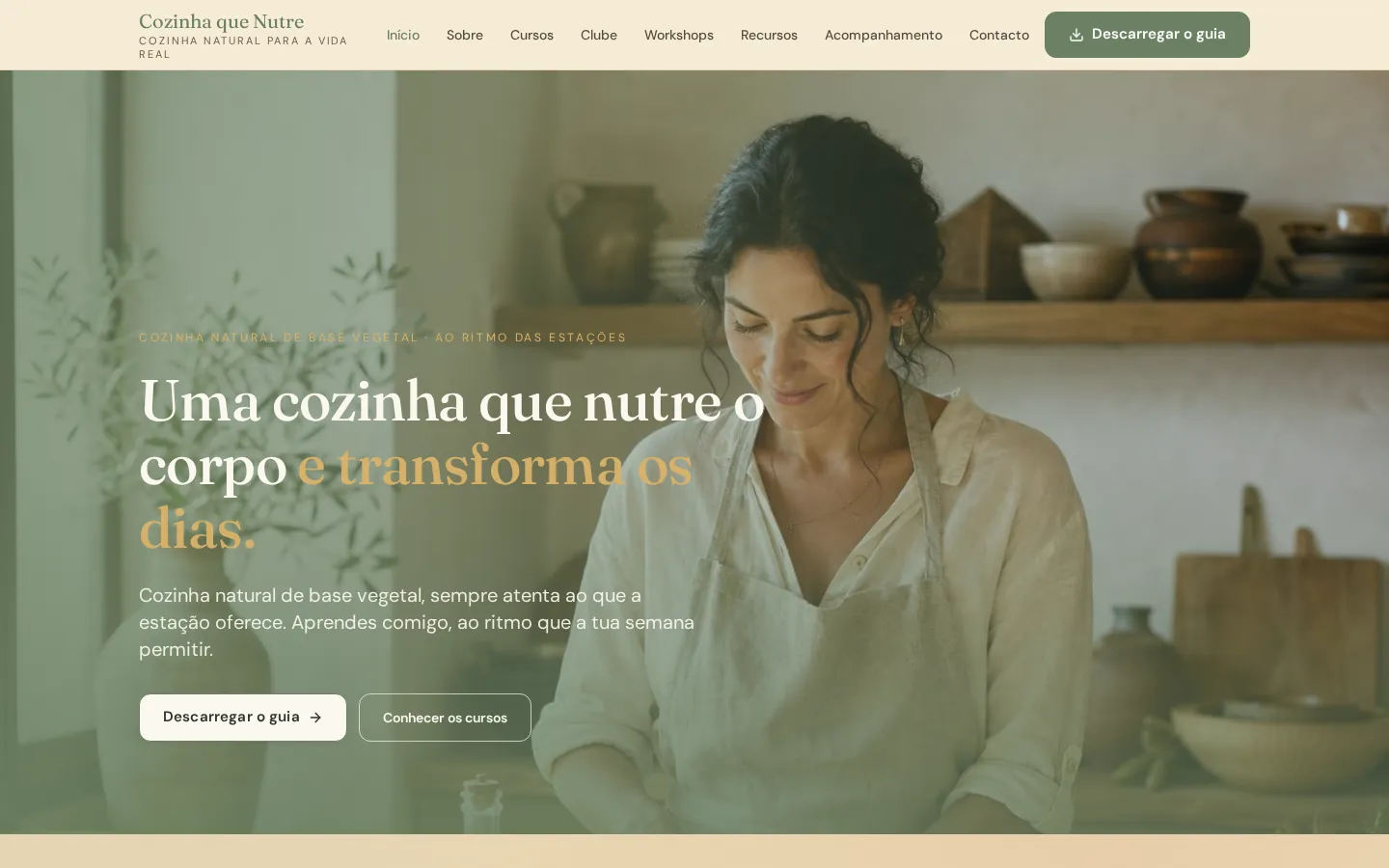
Cozinha que Nutre
Cooking and education
A demonstration project that brings together courses, workshops, materials and a members' area for participants.
Frequently asked questions
Common questions about this kind of website
Can I have just a website, without a course platform?
Yes. The website works on its own and can direct registrations to email, a form or an external service you already use.
What if I don't have all my courses ready yet?
You can start with what already exists. The structure is designed to grow, adding new courses, programmes or areas over time.
Can the website take registrations and payments?
Yes, through specialist services agreed in advance. The website presents the offer and directs people to the registration and payment process.
How are several courses with different levels organised?
Usually as paths: one page that explains the whole and a separate page for each course, stating who it is for and what previous experience it requires.
Can I keep a newsletter and free resources?
Yes. There can be newsletter sign-up pages, free materials and waiting lists connected to the email service you use.
Next step
Talk about my training project
Tell me what you already have, what you would like to create and where you are finding things most difficult. From there, we can work out what the best next step might be.